Task group
A Task group in nGenue is used to organize and manage related task types under a common group name. Task groups help streamline workflow assignments by associating employees with specific task categories, ensuring tasks are routed and handled efficiently within the organization.
The Task group screen provides the following action icons for managing Task group records:
| Icons | Description |
|---|---|
 |
Add a task group record. |
 |
Edit current task group. |
 |
Save changes to current task group. |
 |
Cancel changes to task group record. |
 |
Delete current task group record. |
Prerequisites
Before working on the Task group screen, ensure the following prerequisites are met:
- Ensure the nGenue application is installed and use valid login credentials to log into the application.
- User permissions: Must configure the security settings including User type, Security user, Security group, Security assign user, and Security assign permissions in their respective screens to ensure the required access and permissions for Task group screen actions.
Procedure to Task group
Step 1: Navigate to Task group screen
- Log in to the nGenue application.
- Click the Search icon and enter Task group in the search bar.
-
Double-click the Task group from the search results to open respective screen.

-
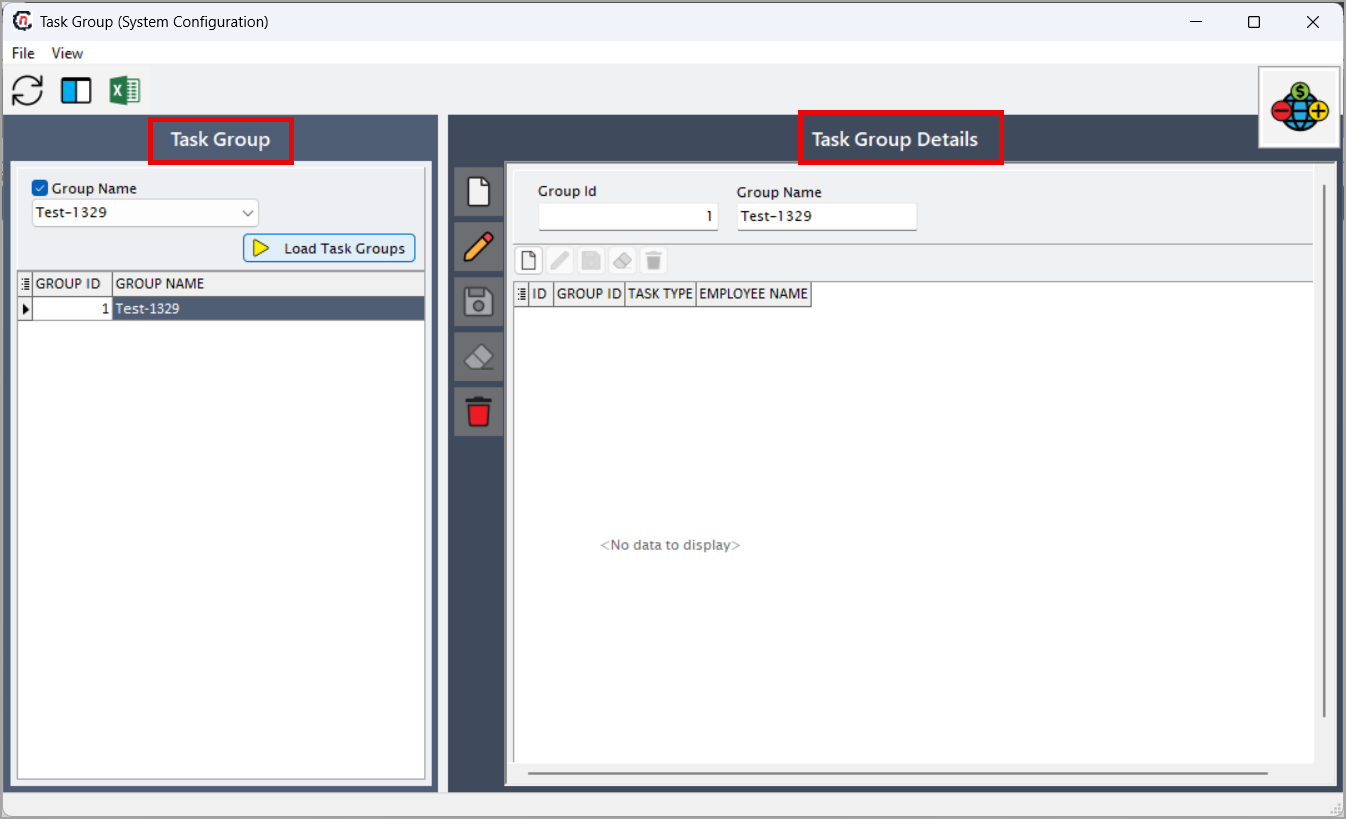
Task group screen has two sections:
- Task group: Enter the group name and click Load Task Groups to view existing task groups.
-
Task group details: Allows creation, editing, saving, and deletion of task group configurations.
Step 2: Create Task group
-
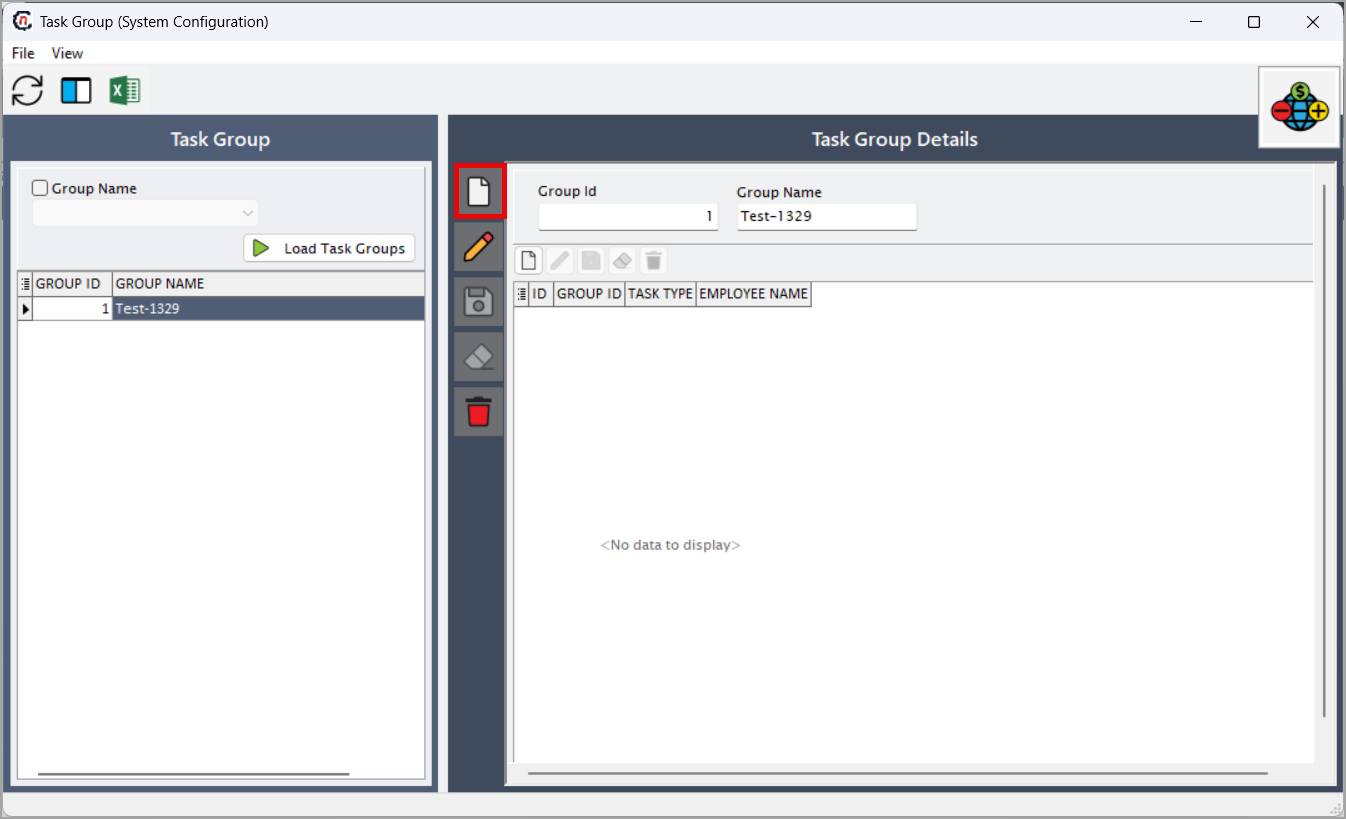
In the Task group configuration section, click Add a record icon.
-
Enter the required details:
- Group ID : Auto-genrated system identifier.
- Group name: Enter the name of the task group.
-
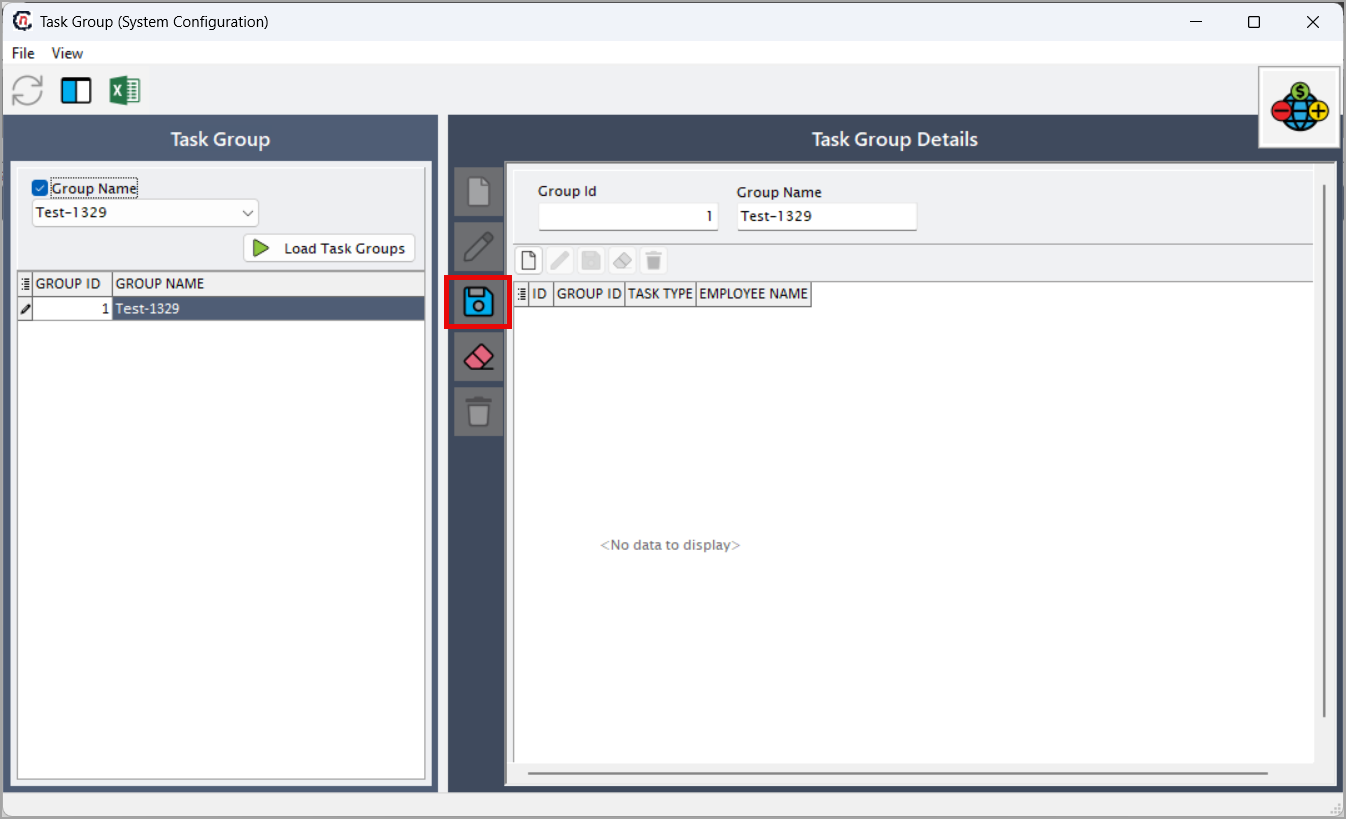
Click Save changes to current to store the new Task group record.
Step 3: Assign task type to the task group
- Click Add task group details icon.
- Select the Task type and Employee name from their respective dropdown lists.
- Click the Save task group details icon to finalize the configuration.
Summary
The Task group functionality in nGenue enables organizations to categorize task types and assign employees accordingly, ensuring tasks are distributed efficiently and managed within proper workflow groups. By creating structured task groups, businesses can improve task routing, enhance productivity, and maintain better oversight of operational responsibilities.